User manual
Less Meter
Loudness, true peak, correlation and spectrum, with streaming and broadcast targets plus MixLess club and festival presets.
macOS: AU and VST3, Apple silicon · Windows: VST3, 64 bit
mixlessaudio.com ·
[email protected]Overview
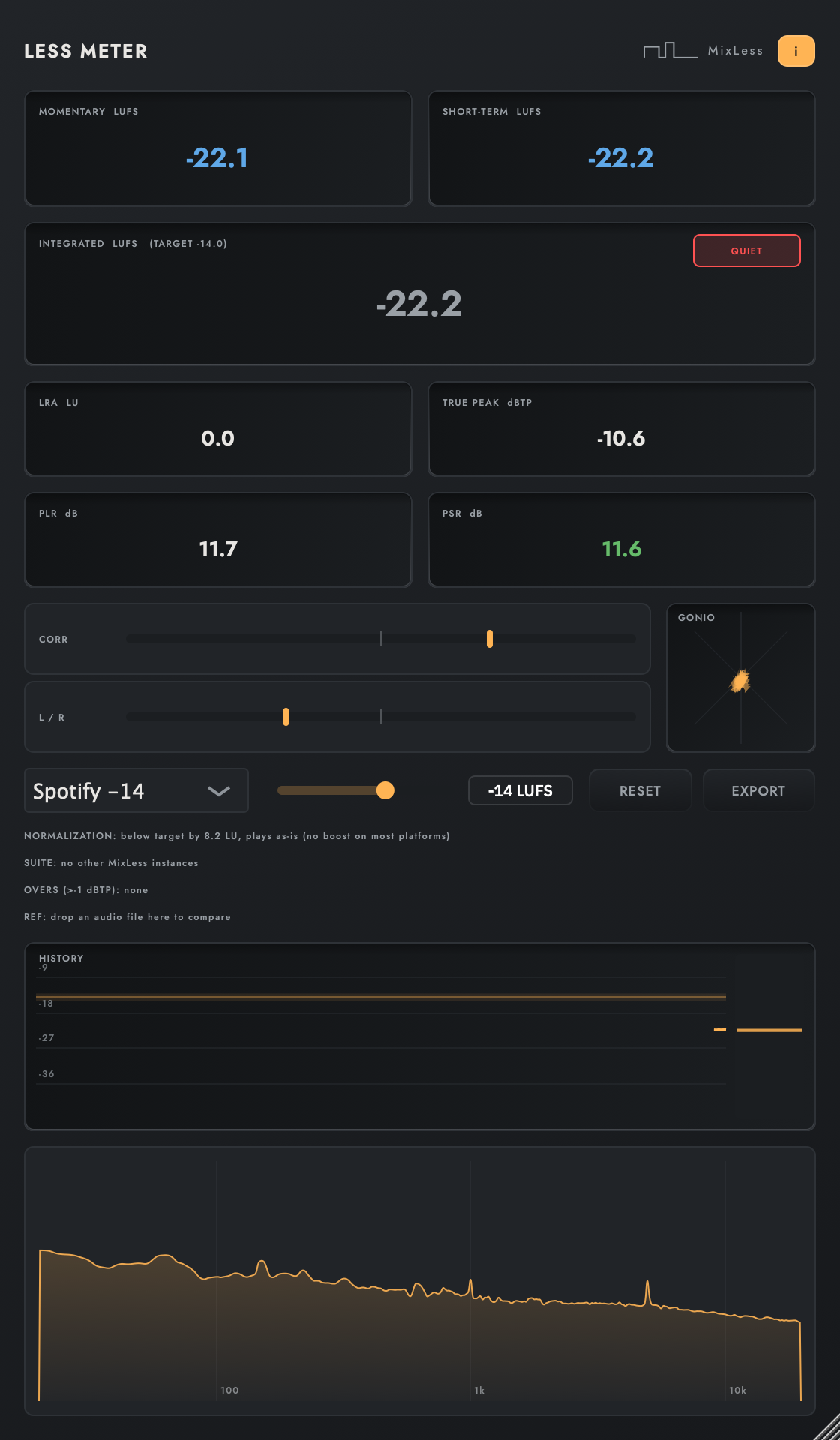
Less Meter reads loudness, true peak, correlation and spectrum in one window. Targets cover the streaming and broadcast standards, plus two MixLess presets for playback that is not normalised, club at -8 and festival at -6: starting points, not standards. A normalization preview shows what each platform will do to your level.
Installation
Run the installer for your platform. On macOS the AU
and VST3 versions install for all users; on Windows the VST3 installs
under Common Files. Factory presets install into your user preset
folder and are never overwritten: presets you save land in the same
folder and stay yours.
| macOS presets |
~/Library/Application Support/MixLess/Presets/Less Meter |
| Windows presets |
%APPDATA%\MixLess\Presets\Less Meter |
The interface
Press I in the plugin to
toggle the same control descriptions as cursor tooltips.
The screen while it works
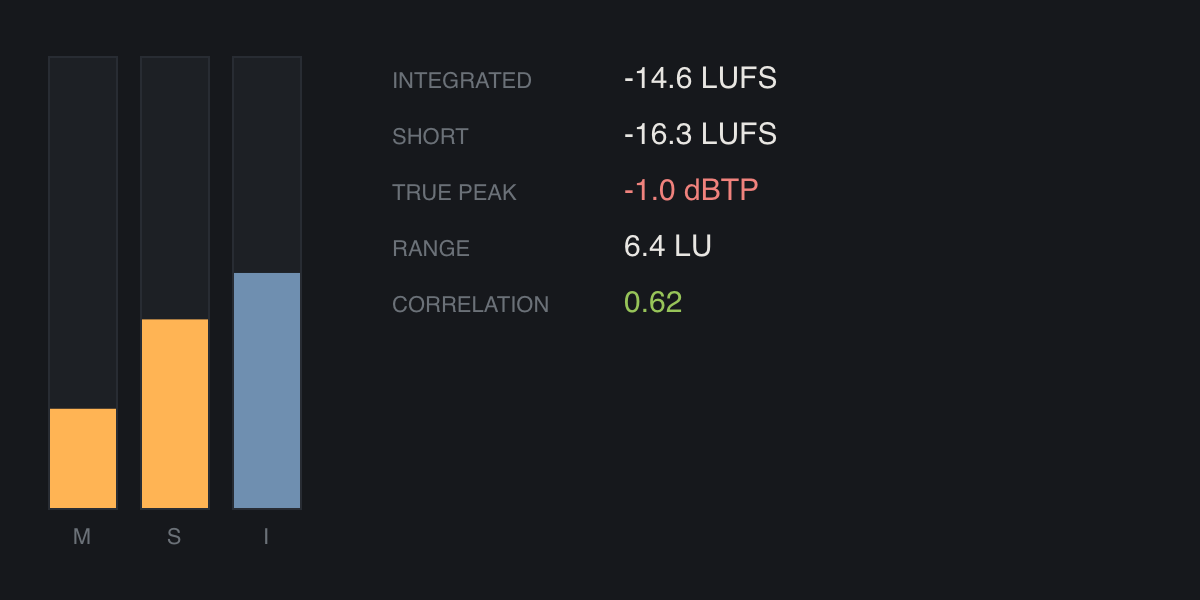
Two moments from the simplified display on the how-to page: at rest, and with material running through it. Print cannot move, so these are frames of that animation.
Workflows
Deliver for a streaming platform
Pick the platform's target from the preset menu. Mix until integrated loudness sits at the target, and check the normalization preview: it tells you how much the platform will turn the track down and the true peak after it does.
Prepare a club or festival master
Club systems do not normalise. Select the club -8 or festival -6 target and let the integrated readout guide you; the TP HIGH badge warns when true peak crosses the safe ceiling.
Compare against a reference
Drop a reference file onto the window. Its spectrum overlays yours as a dashed curve, so tonal balance and level decisions happen on one screen.
Tips
The analysis path is a sample-exact passthrough, verified by test: metering adds nothing to your signal.
The OVERS log lists every moment true peak crossed the ceiling: when, and by how much.
PLR and PSR tell you how dynamic the master is at a glance; falling numbers mean rising density.
Specifications
| Formats | AU, VST3 |
| Latency | 0 samples |
| Standards | EBU R128, BS.1770-4 |
| Targets | streaming, broadcast, MixLess presets club -8 and festival -6 |
| Signal path | sample-exact passthrough |
Support
Questions and problems: [email protected].
Legal notices, the privacy notice and third-party licences:
mixlessaudio.com.